
Online Learning Platforms
Access key learning platforms and touch typing tools for students.
Commonly Used Platforms
Student Learning Space (SLS)
MOE's core platform for teaching and learning
All EARS
Many surveys are done on this platform
Student iCON
Access email and other Google tools here
eZhiShi
Used for Chinese Language online learning
KooBits
Often used for maths
Office 365
Use Microsoft Word, Powerpoint, Excel and other M365 services. A MIMS account allows for 5 desktop installations too.
Learn Touch Typing
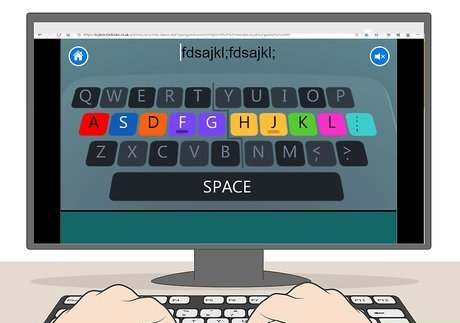
Level 1: The Home Row Keys
In this level you will begin by learning to touch type the keys on the home row as well as letters e, i, r and u.
Level 2: Above Home Row
In this level you will learn to type six new keys that lie above the home row including letters t, y, w, o, q and p.
Level 3: Below Home Row
In this level you will learn to type six new keys that lie below the home row including letters v, m, b, n, c and the comma.
Level 4: Symbols and Capital Letters
In this level you will learn to type the letters x and z. You will also learn how to make capital letters and type three more keys: the apostrophe, slash and full stop.
Typing Club
A series of lessons for improving your touch typing.
Monkeytype
A website that tests your speed of typing.
For any SLS account or password queries, please approach the following:
your Form Teacher
school-based helpdesk email helpdesk@gsps.edu.sg
SLS Helpline
6702 6513 (Mon - Fri 9am - 9pm, Sat 9am - 3pm)